

Blog/Roundup
The Best Phone Lock Boxes in 2026 (Timed Boxes, Pouches and the App Alternative)
Timed boxes, locking pouches and NFC keys compared, and the app that locks only the apps that eat your day.

In this article
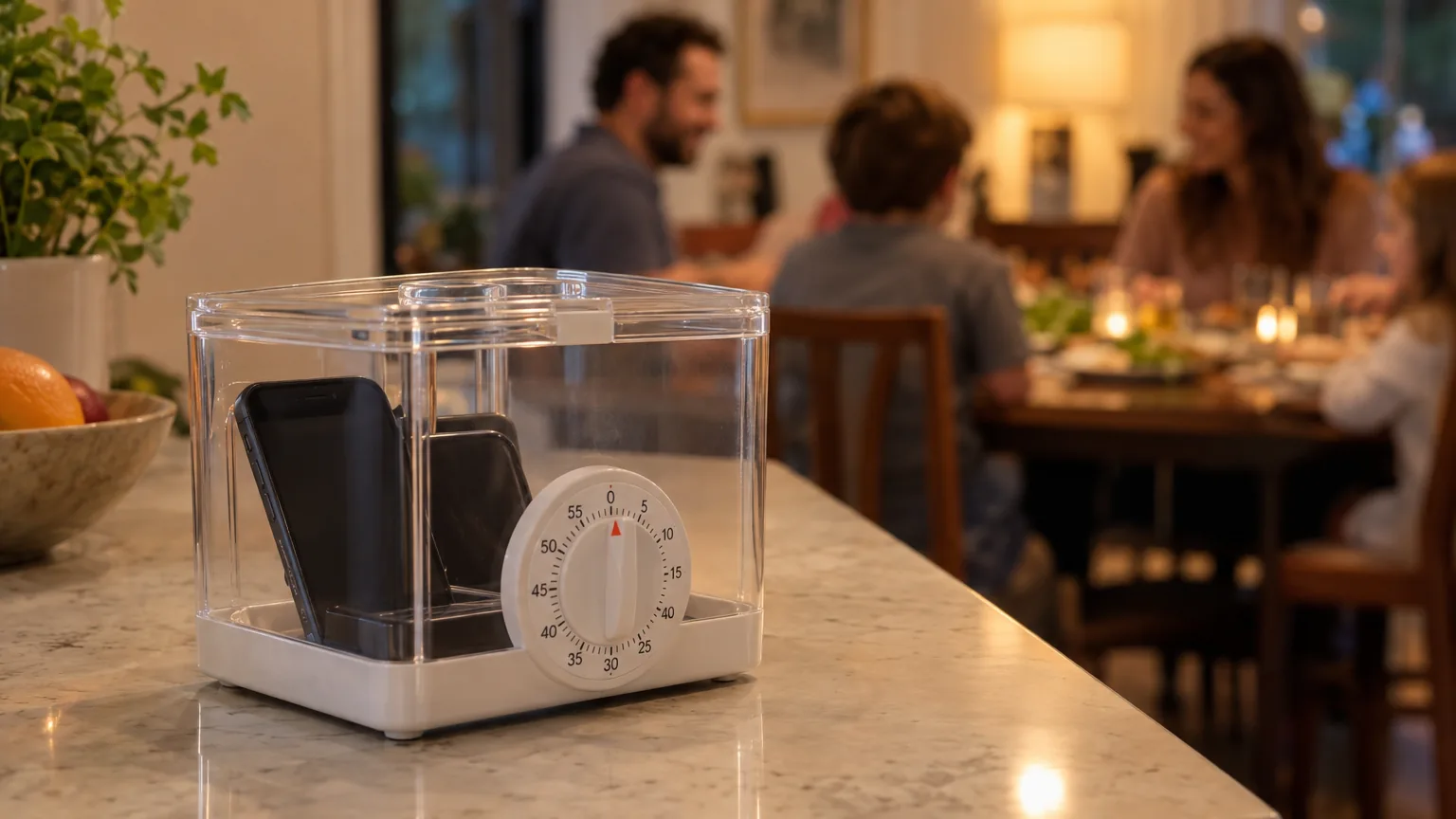
Some evenings, willpower isn't the tool. Distance is. You drop the phone in a box, turn the dial, the lid locks, and for the next two hours the question "should I check?" has only one answer.
For a dinner, a study block or a phone-free weekend, a phone lock box is about as firm as it gets.
The trade-off is that a box locks everything: the call you're waiting for, the map, the code your bank texts you, the playlist for your run.
Disclosure: Unrotten, the app on this list, is made by the team behind this blog. We checked everything else fairly on October 20, 2026, from each maker's official site or store and, for apps, the US App Store. We haven't tested these products ourselves; every price and feature below comes from those pages.
The quick comparison
| Product | Price (US) | How it locks | Best for |
|---|---|---|---|
| Unrotten (app) | $69.99/yr after a 7-day trial, or $14.99/mo | Locks only the apps you chose, during a phone-free session or a daily window; the rest of the phone works | Needing your phone, just not the scroll |
| kSafe by Kitchen Safe | $59 (Mini or Medium), $69 (XL) | A timer lid, 1 minute to 10 days, no override | Locking the whole phone away for a set time |
| Generic timed lock boxes | Varies by seller | A built-in timer; features vary | Trying the idea for less, if you check the details |
| Yondr pouch | No public price; sold to schools, venues and workplaces | A pouch you keep, opened by tapping an unlocking base | Phone-free classes, shows and events |
| Yondr Home Tray | $249 | A key lock and signal-blocking lining; no timer | One shared phone-free spot at home |
| Brick | $59 once; no subscription | Tap an NFC block to hide chosen apps; tap again to restore | A physical key that leaves the phone usable |
| Unpluq | Tag $26.50, or $29 with 3 months of Premium; Premium $59.99/yr or $6.99/mo | An NFC tag on your keychain unlocks blocked apps | A pocket-sized key for your apps |
Prices from each maker's US store or site and the US App Store, checked October 2026.
What the research says about distance
The idea behind a lock box is older than the smartphone: put the temptation out of reach. The research on phones is promising but mixed, so it's worth reading closely.
- The phone in another room. In the "Brain drain" experiments, people whose phones were in another room did better on a working memory test than people whose phones sat on the desk, even when they resisted checking them, and the cost was highest for the most phone-dependent [1]. But a preregistered replication with the same tasks found no difference between the desk, a pocket or bag, and another room [2]. Treat this one as contested.
- A nearby phone, in one more study. Adults aged 20 to 34 did worse on a concentration and attention test with a smartphone present than without it [3]. That's one experiment and one test, not proof that it holds everywhere.
- The buzz still counts. In a lab study, phone notifications alone hurt performance on an attention task, even when people never touched the phone, about as much as actually using it [4]. A box doesn't stop a buzz, so silence the phone before it goes in.
Put together: distance may help your focus, the evidence is weaker than the headlines, and a phone buzzing inside a box is still in the room.
Box or app: the honest trade-off
A box wins on firmness. Once a timed box is locked, the ways in are waiting or breaking it. An app, ours included, runs on the very phone you're trying to resist: Unrotten's shields lift if you turn a goal off or remove its Screen Time access. If you always find the override, that matters.
An app wins on everything else your phone does.
The phone is also your boarding pass, your bank's security code, the map to the restaurant and the way people reach you, and a box can't tell those from your feed.
You may not need to lock all of it. In a randomized trial, blocking mobile internet for two weeks, while calls and texts kept working, improved attention, mental health and well-being [5]. That trial blocked the whole mobile internet, so it can't promise the same from a few apps. And in a study of 619 people, one hour less a day did better on most measures, and held up longer over four months, than a week with no smartphone at all [6].
You can also use both: a box for dinner and the hour before bed, an app for the working day. If your worst hour is the one in bed, a box outside the bedroom is a simple fix for revenge bedtime procrastination.
The best phone lock boxes and alternatives
1. Unrotten: best when you need your phone, just not the scroll

Unrotten is for people whose phone is also their wallet, map, music and two-factor key. Instead of locking the device, it locks only the apps you chose as your rot apps, through Apple's Screen Time. Tap the + on Home and start a Work, Focus or Reading session: those apps stay locked until the session ends, a countdown sits on your Lock Screen and in the Dynamic Island, and a soft alarm or a gentle vibration tells you it's over. Everything you didn't choose keeps working, from calls and Maps to your authenticator app and your playlist.
For a daily habit, a schedule does it without you starting anything. Time away from apps blocks your rot apps during the hours you pick, and goals like Mornings for yourself or Calmer evenings protect a window every day. The shield has no Ignore Limit button, and an AI Coach, a MindBattery score that drains as you scroll, and streaks help the habit outlast the box phase.
Best for: people who need their phone for calls, maps, 2FA and music, but not for scrolling.
Watch out for: an app is easier to undo than a box; it's a commitment device, not a safe. It costs $69.99 a year after a 7-day free trial, or $14.99 a month, needs iOS 17 or later, and is new (it reached the App Store on October 14, 2026).
2. kSafe by Kitchen Safe: best timed box
The kSafe is a plastic container with a timer in its lid. Put the phone in, turn the dial to anything from 1 minute to 10 days, press it, and the lid locks; you get five seconds to cancel if you set the wrong time. After that there are no overrides. If the two AA batteries die, the timer pauses and the box stays locked until you replace them. It comes in three sizes: the maker says the Mini fits phones up to 5.8 inches, the Medium fits larger phones such as the iPhone 11 Pro, and the XL is 12.3 inches tall inside, so measure your phone, case included, against the size chart.
Best for: an evening, a weekend or a work block when you truly won't need the phone.
Watch out for: it locks everything, calls included. It's a deterrent, not a safe: the maker says the plastic can be broken with force, and even suggests cracking the base if temptation wins, since a replacement base ($19 to $29) costs less than a new box. It also warns against locking up anything time-sensitive, such as health-critical medicine. Price: $59 for the Mini or Medium and $69 for the XL on the official store.
3. Generic timed lock boxes: what to check
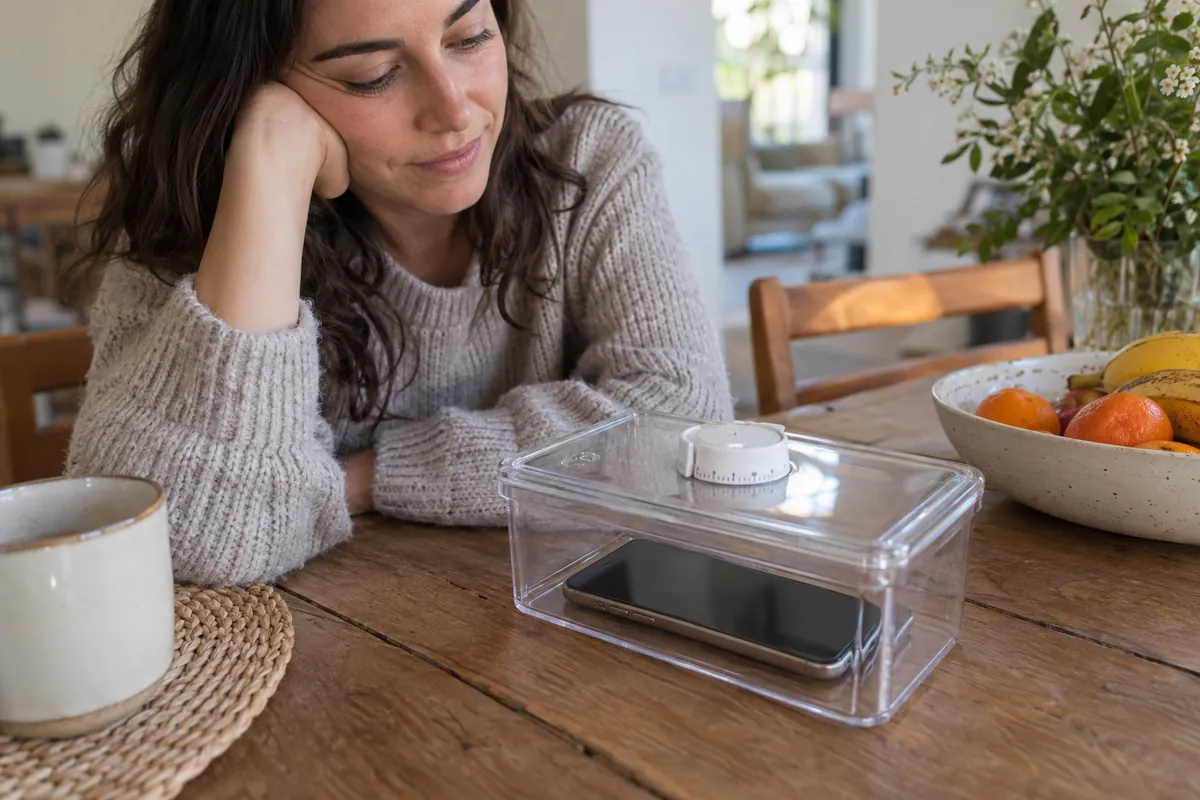
Amazon and other stores also sell generic timed lock boxes from many sellers, often listed as a phone lock timer box or a cell phone lock box. We didn't review individual listings, so here's what to compare:
- Timer range. It should cover your longest planned stretch, whether that's an evening or a whole weekend.
- Fit. Compare the inside measurements with your phone in its case.
- Emergency release. Check whether there's a backup key or code, and decide whether you want one: it makes a box safer in a real emergency and easier to cheat on a bad night.
- Charging. If the phone stays in overnight, look for a slot for the cable.
- Power. Find out what happens when the batteries die: does it stay locked or pop open?
- Clear or solid. A clear box lets you see the screen light up; a solid one keeps the phone out of sight.
- Complaints. Read reviews for lids that jam and timers that reset.
Best for: trying a lockable phone box before spending more.
Watch out for: quality and features vary by seller, so check each listing rather than assuming.
4. Yondr: best for phone-free events (sold to organizations)
Yondr makes the locking pouches behind many phone-free schools, concerts and comedy shows. Your phone goes into a pouch, the pouch is locked, and you keep it with you; to open it, you step outside the phone-free zone and tap it on an unlocking base, which uses magnets. Yondr sells this as a program to schools, venues, courts, workplaces and events, and its site offers organizations a demo rather than a price.
For home, Yondr sells the Home Tray ($249): a box lined with signal-blocking fabric that holds about six phones and locks with a small key. Because it blocks the signal, calls and texts don't reach a phone inside, and threading a charging cable through its back hatch gives up that blocking.
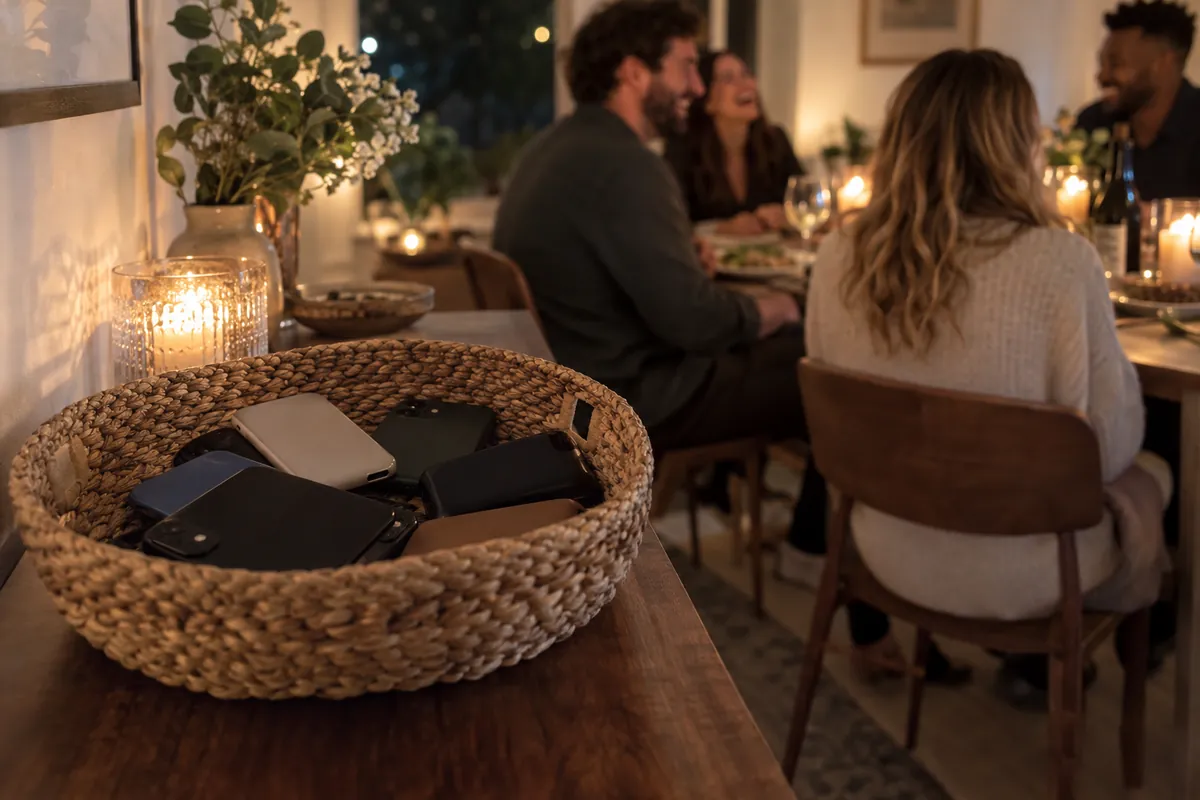
Best for: phone-free events, through the organizer, and the Home Tray for a household that wants one shared place for phones.
Watch out for: we found no way to buy the locking pouch as an individual on Yondr's site, and the Home Tray locks with a key, not a timer, so it's only as firm as wherever the key lives.
5. Brick: best physical key that keeps your phone with you
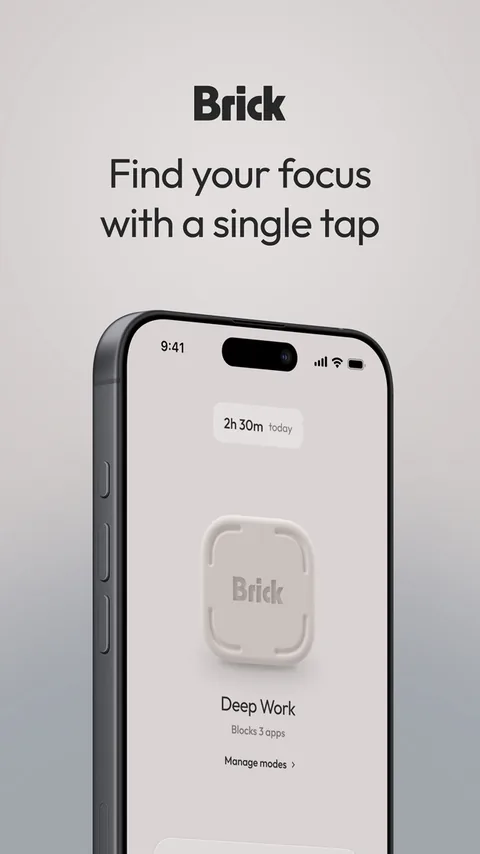
Brick gives you the friction of a box without the box. It's a small NFC block plus a free app: tap your iPhone on it and the apps and websites you chose disappear, notifications included; tap again to bring them back. Your phone stays in your pocket for calls (Apple doesn't let Brick block the dialer) while the Brick stays home. Strict Mode stops you from deleting the app or changing settings mid-session, and five Emergency Unbricks cover the moments you truly need an app.
Best for: people who want a physical commitment but can't leave the phone behind.
Watch out for: if the Brick is at home and you need a blocked app on the road, only an emergency unbrick gets it back. It's $59 once, with no subscription, and needs iOS 18 or later. The app holds 4.9 stars from about 58,000 US ratings.
6. Unpluq: best pocket-sized key
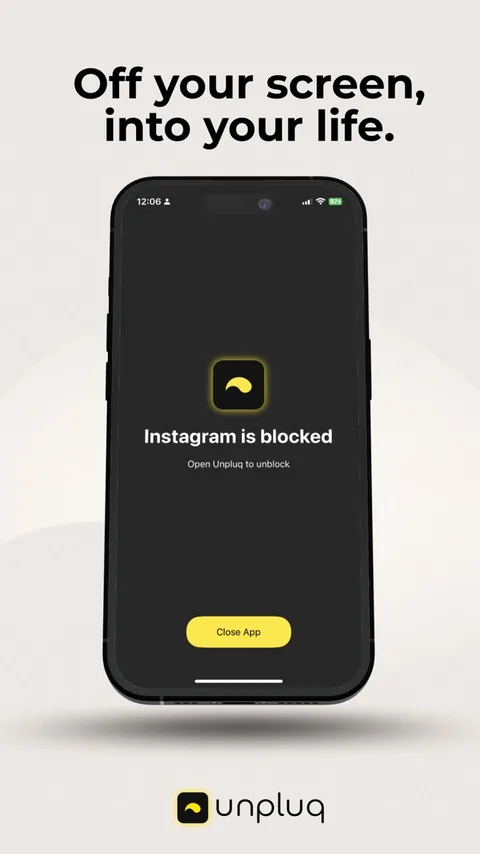
Unpluq works like Brick in a smaller form. The app blocks the apps you choose on a schedule, and the yellow Unpluq Tag on your keychain is the key: scan it over NFC to open a blocked app, or pass a digital barrier such as shaking the phone or tapping a pattern. The free plan blocks two apps on one schedule with the shake and tap barriers; the tag, unlimited schedules and the other barriers come with Premium.
Best for: people who want a physical key that travels on their key ring.
Watch out for: the tag is made for your keychain, so unless your keys live in another room, the friction is a ritual more than distance. Premium is $59.99 a year or $6.99 a month in the App Store; on Unpluq's US site, the tag costs $26.50 alone or $29 with three months of Premium. The app has 4.8 stars from 928 US ratings.
How to choose
- Will you need the phone during this time? If not, a timed box. If yes, lock the apps instead, with Unrotten or a physical key like Brick or Unpluq.
- How long? Anything here handles an evening; for days at a time, the kSafe goes up to 10.
- Who else is involved? A Home Tray or one box on the counter works for a household; for events, Yondr pouches come through the organizer.
- What if someone needs to reach you? Then don't lock the phone itself.
- How do you break your own rules? If you always find the override, choose the firmer tool. If you mostly forget, a schedule that runs by itself matters more than a stronger lock.
- Budget. The kSafe ($59 to $69) and Brick ($59) are one-time costs; Unpluq's tag needs Premium; Unrotten is a membership; the Home Tray is $249.
If you're weighing apps more than boxes, see our comparison of the best app blockers for iPhone.
Put the distance where the scroll starts
Notice where your scrolling actually happens. If it's at the dinner table or in bed, a box in another room is hard to beat. If it's in the gaps of a working day, when you need the phone for everything else, lock the apps rather than the phone: a phone-free session in Unrotten does exactly that, from the + on Home. Either way, aim for less, not zero, and keep the rule long enough to matter. For more ways to break the loop, read how to stop doomscrolling.
If time away from your phone brings anxiety that doesn't ease, or the scrolling comes with low mood or sleep trouble that lasts, a doctor or therapist can help.
Questions people ask
Do phone lock boxes work?
They work while the lid is shut: a timed box like the kSafe has no override until its timer ends. The research on keeping your phone out of reach is promising but mixed, and one well-known finding failed to replicate. The bigger catch is that a box locks everything, calls included.
What should I look for in a timed lock box?
A timer range that covers your longest stretch, an inside size that fits your phone in its case, a clear choice about whether you want an emergency release, a slot for a charging cable if the phone stays in overnight, and what happens when the batteries die.
Can I buy a Yondr pouch for myself?
Yondr sells its locking pouches to schools, venues and workplaces, and we found no way to buy one as an individual on its site. For home, it sells the Home Tray, a key-locked, signal-blocking box, for $249.
How can I lock my phone without losing calls and maps?
Lock the apps instead of the phone. Unrotten locks only the apps you chose, during a phone-free session or a daily window, so calls, Maps and everything else keep working. Brick and Unpluq do something similar with a physical key.
References
- Ward AF, Duke K, Gneezy A, Bos MW. "Brain Drain: The Mere Presence of One's Own Smartphone Reduces Available Cognitive Capacity." Journal of the Association for Consumer Research. 2017;2(2):140-154. doi:10.1086/691462 ↩
- Ruiz Pardo AC, Minda JP. "Reexamining the 'brain drain' effect: A replication of Ward et al. (2017)." Acta Psychologica. 2022;230:103717. doi:10.1016/j.actpsy.2022.103717 ↩
- Skowronek J, Seifert A, Lindberg S. "The mere presence of a smartphone reduces basal attentional performance." Scientific Reports. 2023;13(1):9363. doi:10.1038/s41598-023-36256-4 ↩
- Stothart C, Mitchum A, Yehnert C. "The attentional cost of receiving a cell phone notification." Journal of Experimental Psychology: Human Perception and Performance. 2015;41(4):893-897. doi:10.1037/xhp0000100 ↩
- Castelo N, Kushlev K, Ward AF, Esterman M, Reiner PB. "Blocking mobile internet on smartphones improves sustained attention, mental health, and subjective well-being." PNAS Nexus. 2025;4(2):pgaf017. doi:10.1093/pnasnexus/pgaf017 ↩
- Brailovskaia J, Delveaux J, John J, et al. "Finding the 'sweet spot' of smartphone use: Reduction or abstinence to increase well-being and healthy lifestyle?! An experimental intervention study." Journal of Experimental Psychology: Applied. 2023;29(1):149-161. doi:10.1037/xap0000430 ↩
Written by
Maren AshbyCOO, Unrotten
Maren Ashby is the COO of Unrotten, the iPhone app that helps people take their attention back from the feed. She writes about the research on phones, sleep and focus, and about the small, practical changes that make a phone easier to put down.