

Blog/Attention & focus/Explainer
Time Blocking: How to Plan Your Day So Your Phone Can't Eat It
What time blocking is, how to plan a day in blocks in about 20 minutes, what the research says, and how to keep your phone from leaking into every block.


In this article
You open your laptop at nine with a plan, and by eleven the plan is a list of things you didn't do, with forty minutes of your phone somewhere in the middle. Time blocking fixes the first half of that morning: before the day starts, every hour of it gets a job. The second half, the phone that leaks into every block, needs a fix of its own, and most guides stop before they get there.
Here's how time blocking works, what the research says about it, and how to keep your phone out of the blocks you plan.
What time blocking is
Time blocking means planning your day as a run of blocks, each with one task, instead of working from a to-do list and picking whatever feels most urgent. Cal Newport, a computer science professor at Georgetown University, popularized it. He spends 10 to 20 minutes each evening building the next day: he draws the day on paper with two lines for each hour, divides it into blocks labeled with specific assignments, and leaves room beside them to redraw the plan when the day goes differently [1]. Even email gets its slot. In his words, "periods of open-ended reactivity can be blocked off like any other type of obligation" [1].
Timeboxing is the same idea applied to one task at a time: you give the task a fixed slot on your calendar and stop when the slot ends. Time blocking plans the whole day that way.
Newport thinks the payoff is large. "A 40 hour time-blocked work week, I estimate, produces the same amount of output as a 60+ hour work week pursued without structure," he wrote in 2013 [1]. That's his estimate, not a measurement. You may also have read that Elon Musk and Bill Gates plan their days in five-minute slots; we couldn't trace either story to anything either man said.
Does time blocking work?
No study has put hour-by-hour time blocking up against working without it. What has been studied are the parts it's made of, and they hold up reasonably well.
Managing your time goes with doing better and feeling better. A 2021 meta-analysis pooled 158 studies and about 54,000 people. Time management was moderately linked with job performance and academic results (correlations of about 0.26) and a little more strongly with wellbeing (0.31), above all life satisfaction, and it went with less distress [2]. Most of the studies were snapshots, so they can't show that planning causes the gains, and the authors warn against seeing time management as a cure-all [2].
Deciding when and where helps you follow through. A time block is a plan with a time attached. A 2025 meta-analysis of 642 tests found that plans of that kind, which psychologists call implementation intentions, helped people's thoughts, feelings and behavior alike, with effects from small to moderately large. They worked best in an if-then form ("if it's 9 a.m., I open the report"), when people cared about the goal and had rehearsed the plan [3].
A plan quiets the unfinished list. In a series of experiments published in 2011, people with an unfinished goal on their mind had more intrusive thoughts about it and did worse on unrelated tasks. Writing a specific plan for the goal made that interference disappear [4]. It's one lab's set of studies, so treat it as promising rather than settled, but it's a good reason to plan tomorrow tonight: the plan lets the list in your head go quiet.
A time block is a promise to yourself with a start time. Your phone is the thing most likely to break it.
Why your blocks leak
You can plan a perfect morning and still lose it, because the plan lives on paper and the interruptions live in your pocket.
A buzz costs attention even when you ignore it. In a 2015 experiment with 166 students, people doing a task that needed steady attention made more errors after their phone received a call or text notification, even though they never touched the phone. The cost was about as large as the distraction seen in studies of people actually using a phone [5].
Interruptions get paid for in stress. In a 2008 study, people who were interrupted finished their tasks faster and just as well, but reported more stress, frustration, time pressure and effort [6]. A block full of interruptions may not look worse on paper. It feels worse.
Checking on demand keeps you on call. When 124 adults spent one work week checking email three times a day and another checking as often as they liked, their daily stress was lower in the limited week, a modest effect [7]. And in an experiment with 237 smartphone users, getting notifications in three batches a day brought less inattention and stress and more productivity, while getting no notifications at all backfired, with more anxiety and fear of missing out [8].

So time blocking solves the planning half of a lost day. The other half is a phone that interrupts on its own schedule, and a block drawn on paper can't stop it.
How to time block your day
- Pick a planning time. The evening before or first thing in the morning, 10 to 20 minutes, as Newport does [1]. Look at your calendar and your to-do list together.
- Write the fixed things first. Meetings, the school run, the train. Everything else fits around them.
- Size each block from experience, then add a buffer. In classic experiments, people predicted that their own tasks would take less time than they did, because they pictured the plan and ignored how long similar work had taken before. Linking the forecast to past experience removed the bias [9]. Ask how long the last similar task really took, and plan for that.
- Give your best hours to the hardest work. Put the task that needs your full attention before the messages start, and give it the longest block of the day.
- Batch the shallow work. Email, messages and small admin get two or three blocks of their own, the pattern that the email and notification experiments above found easier on stress [7, 8].
- Leave some time unplanned. Scheduling leisure at a set time can spoil it: across 13 studies, putting a fun activity on the calendar at a fixed time made it feel more like work and less enjoyable, while a rough plan without a set time didn't [10]. Keep the evening loose: "a walk after dinner" rather than "walk, 7:15 to 7:45."
- Redraw, don't abandon. When the day goes off plan, Newport corrects the rest of it in the room he leaves beside his blocks, instead of giving up on the plan [1].
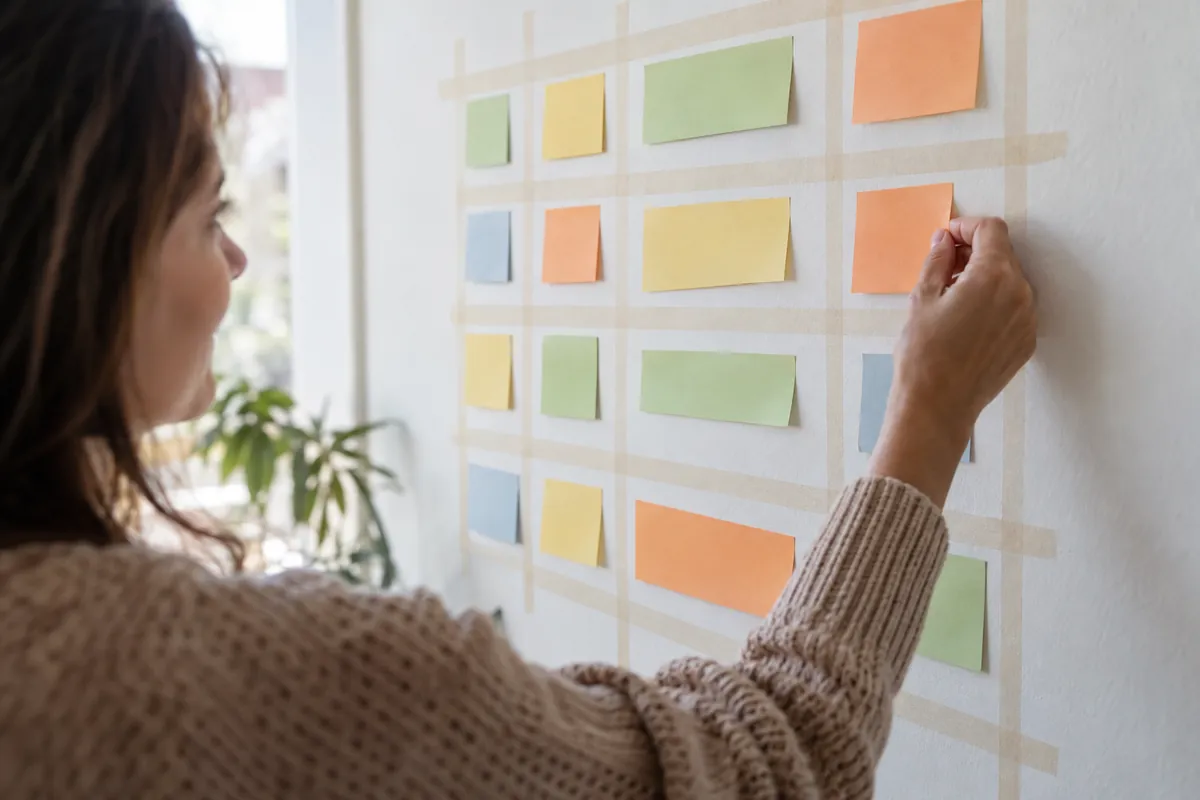
A time-blocked day, for example
Here's what an ordinary workday might look like. Treat the times as a sketch to adjust, not a rule.
| Time | Block |
|---|---|
| 8:45 to 9 a.m. | Look over today's plan |
| 9 to 11 a.m. | Focused work on the hardest task, phone in another room |
| 11 to 11:30 a.m. | Email and messages |
| 11:30 a.m. to 12:30 p.m. | Meetings or calls |
| 12:30 to 1:15 p.m. | Lunch and a walk, phone left behind |
| 1:15 to 2:45 p.m. | Second focused block |
| 2:45 to 3:15 p.m. | Email and messages |
| 3:15 to 4:45 p.m. | Admin, small tasks and buffer |
| 4:45 to 5 p.m. | Shut down and plan tomorrow |
Notice what isn't on it: no block says "phone." The phone gets checked in the message blocks and stays out of the rest.
How to keep your phone out of your blocks
A block only holds if the phone respects it. Four habits help, from the gentlest to the firmest.
- Put the phone out of reach. In a drawer, a bag or another room, so checking takes a decision instead of a reflex.
- Silence it for the block. A Focus on your iPhone can hold back notifications from everyone except the people who need to reach you. Our guide to Focus mode on iPhone shows how to set one up, and how to turn off notifications on iPhone covers the rest.
- Give checking its own blocks. If the phone gets two or three slots a day, you don't need to sneak it into the others.
- Lock the apps until the block ends. When the urge wins anyway, take the choice away. A phone-free Focus session in Unrotten, started from the + button on Home, locks the apps you chose as your rot apps until the session ends, with a countdown on your Lock Screen and in the Dynamic Island, and a soft alarm or a gentle vibration when it's over.
If the same block comes every day, such as a morning of focused work, Unrotten's Focus on what matters goal protects a window each day without your rot apps. Its Mornings for yourself and Calmer evenings goals do the same for the start and the end of the day.

When time blocking stops working
- You packed every minute. A plan with no slack breaks at the first long call. Leave buffer blocks, and expect to redraw.
- The plan became the boss. The point is to decide in advance, not to obey, which is why Newport leaves room on the page to redraw [1].
- Your job is mostly reacting. Then block the reacting. Newport's blocks for "open-ended reactivity" are for exactly that, with a few small blocks kept for deeper work [1].
- Your evenings feel like work. Plan leisure roughly, not to the minute [10].
- The phone still wins. That's not a planning problem. Move it, silence it or lock it.
Planning the day is the easy part. The hours are won or lost one block at a time, and the phone is usually what decides.
For the bigger idea behind protected focus time, read our summary of Deep Work, and for why every switch between tasks costs you, our guide to multitasking.
Start with tomorrow
Tonight, take ten minutes. Write down tomorrow's fixed things, give the hardest task your best two hours, put email and messages in two blocks and leave an hour unplanned. Then decide where your phone will be at 9 a.m., and make that part of the plan.
Questions people ask
What is time blocking?
Time blocking means planning your day as a run of blocks of time, each with one job, instead of working down a to-do list. Cal Newport, who popularized it, plans the next day's blocks each evening in 10 to 20 minutes and redraws them when the day changes.
Does time blocking work?
No study has tested hour-by-hour time blocking against working without it. A meta-analysis of 158 studies found that people who manage their time well tend to perform a little better and feel better, and a review of 642 tests found that deciding when and where you'll act helps you follow through. Most of the time management studies were correlational.
How long should a time block be?
There's no tested length. Newport draws each hour of his day as two lines on paper. Size each block from how long similar work really took you before, then add a buffer, because people tend to underestimate how long their own tasks will take.
What is the difference between time blocking and timeboxing?
They overlap. Timeboxing usually means giving one task a fixed slot on your calendar and stopping when the slot ends. Time blocking plans the whole day that way, including blocks for email, messages and breaks.
How do I keep my phone from ruining my time blocks?
Put it out of reach, silence its notifications for the block and give checking two or three blocks of its own. In one experiment, a call or text notification raised errors on an attention task even when people never touched the phone. If the urge still wins, use an app that locks your distracting apps until the block ends.
References
- Newport C. "Deep Habits: The Importance of Planning Every Minute of Your Work Day." calnewport.com. December 21, 2013. calnewport.com ↩
- Aeon B, Faber A, Panaccio A. "Does time management work? A meta-analysis." PLOS ONE. 2021;16(1):e0245066. doi:10.1371/journal.pone.0245066 ↩
- Sheeran P, Listrom O, Gollwitzer PM. "The when and how of planning: meta-analysis of the scope and components of implementation intentions in 642 tests." European Review of Social Psychology. 2025;36(1):162-194. doi:10.1080/10463283.2024.2334563 ↩
- Masicampo EJ, Baumeister RF. "Consider it done! Plan making can eliminate the cognitive effects of unfulfilled goals." Journal of Personality and Social Psychology. 2011;101(4):667-683. doi:10.1037/a0024192 ↩
- Stothart C, Mitchum A, Yehnert C. "The attentional cost of receiving a cell phone notification." Journal of Experimental Psychology: Human Perception and Performance. 2015;41(4):893-897. doi:10.1037/xhp0000100 · Read our plain-English summary ↩
- Mark G, Gudith D, Klocke U. "The cost of interrupted work: more speed and stress." Proceedings of the SIGCHI Conference on Human Factors in Computing Systems. 2008:107-110. doi:10.1145/1357054.1357072 ↩
- Kushlev K, Dunn EW. "Checking email less frequently reduces stress." Computers in Human Behavior. 2015;43:220-228. doi:10.1016/j.chb.2014.11.005 · Read our plain-English summary ↩
- Fitz N, Kushlev K, Jagannathan R, Lewis T, Paliwal D, Ariely D. "Batching smartphone notifications can improve well-being." Computers in Human Behavior. 2019;101:84-94. doi:10.1016/j.chb.2019.07.016 · Read our plain-English summary ↩
- Buehler R, Griffin D, Ross M. "Exploring the 'planning fallacy': Why people underestimate their task completion times." Journal of Personality and Social Psychology. 1994;67(3):366-381. doi:10.1037/0022-3514.67.3.366 ↩
- Tonietto GN, Malkoc SA. "The Calendar Mindset: Scheduling Takes the Fun Out and Puts the Work In." Journal of Marketing Research. 2016;53(6):922-936. doi:10.1509/jmr.14.0591 ↩
Written by
Maren AshbyCOO, Unrotten
Maren Ashby is the COO of Unrotten, the iPhone app that helps people take their attention back from the feed. She writes about the research on phones, sleep and focus, and about the small, practical changes that make a phone easier to put down.